

Embed TurboVote on Your Website
Help Your Audience Vote with Powerful Tools on Your Site
Power personalized voting guidance and drive key actions based on your engagement strategy.

Voting Hubs are a one-stop shop for all TurboVote features. They help voters participate in every election, dynamically updating based on each user’s needs and address.


Tool embeds are built for action. From registration to help requesting an absentee ballot, these embeds make it easy for voters to engage while driving account creation.

Search embeds connect your audience with key election information, quickly. Users simply have to enter their address to research their next election, see what’s on their ballot, or find where to vote.

Any embed can be personalized to help existing users complete specific actions like checking their registration status or requesting an absentee ballot, without having to re-enter their personal details.
See how our partners are embedding TurboVote
Voting Hub Embeds

American Cancer Society
Voting Hub

EDF Action
Voting Hub
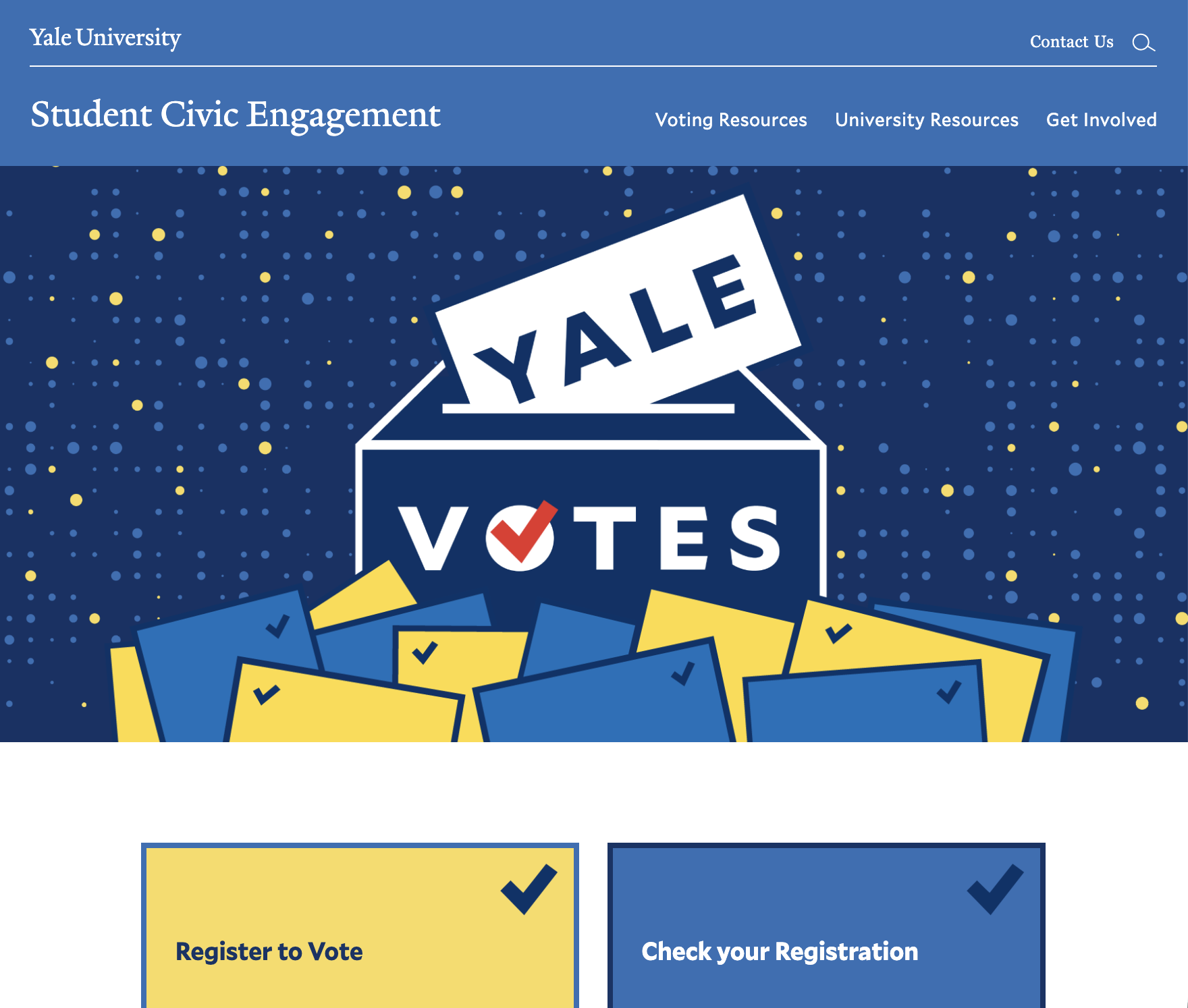
Yale University
Custom Voting Hub
Search Embeds
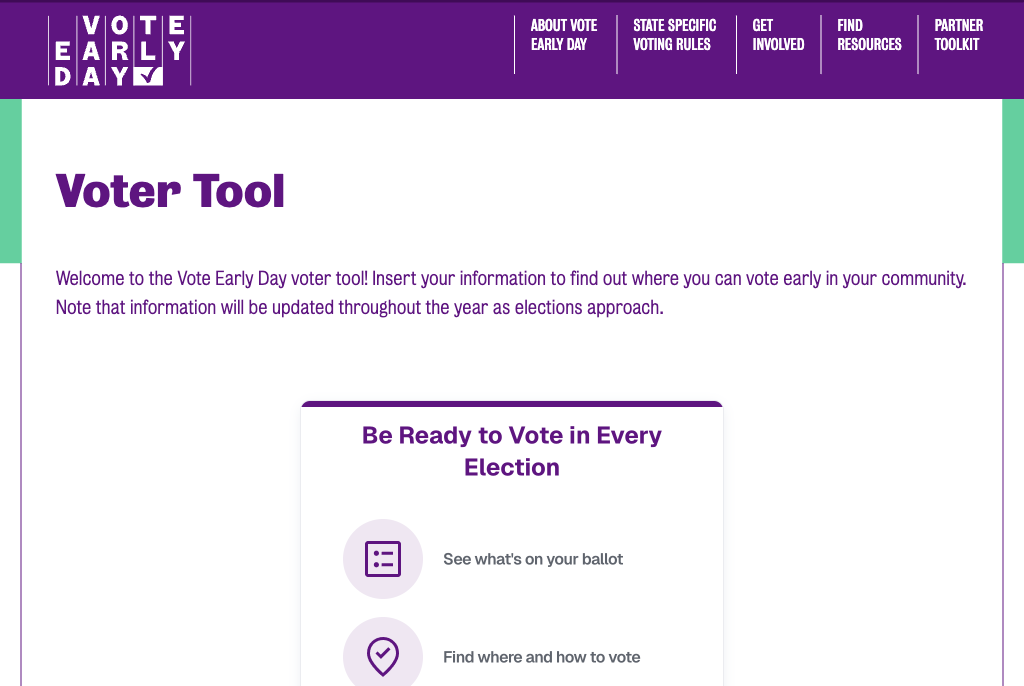
Vote Early Day
Election Search
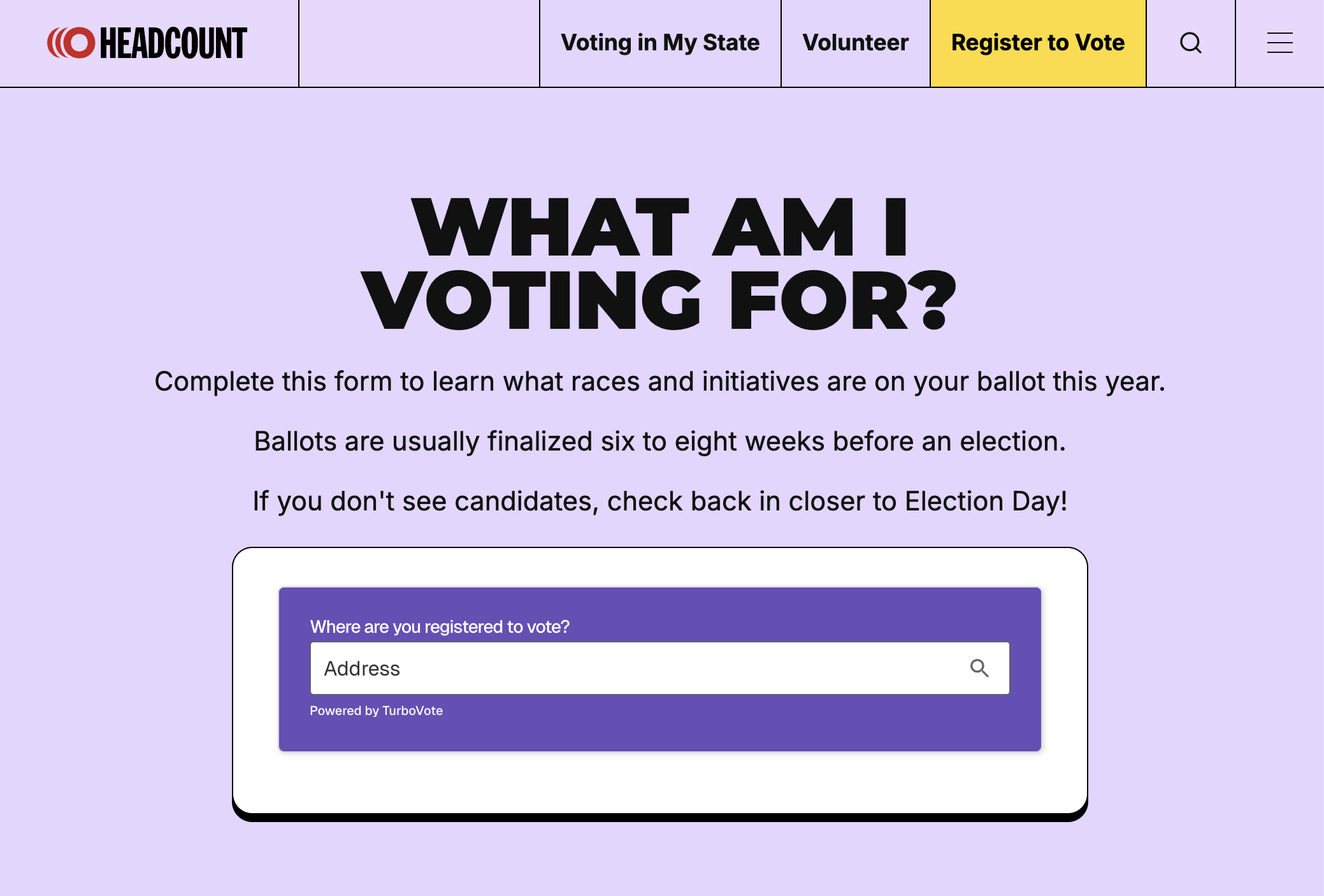
HeadCount
Seamless Ballot Search
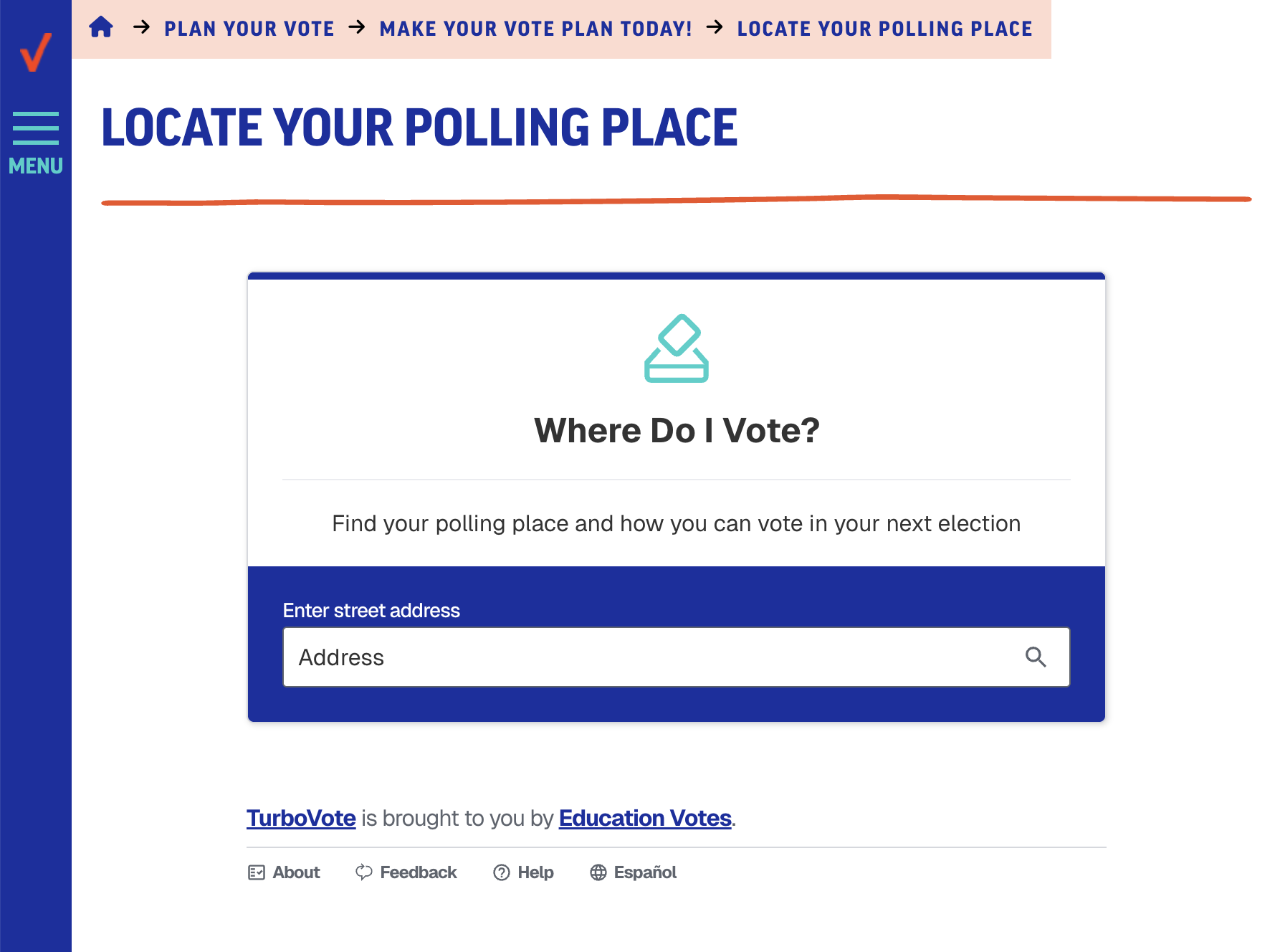
Education Votes
Where to Vote Search
Tool Embeds
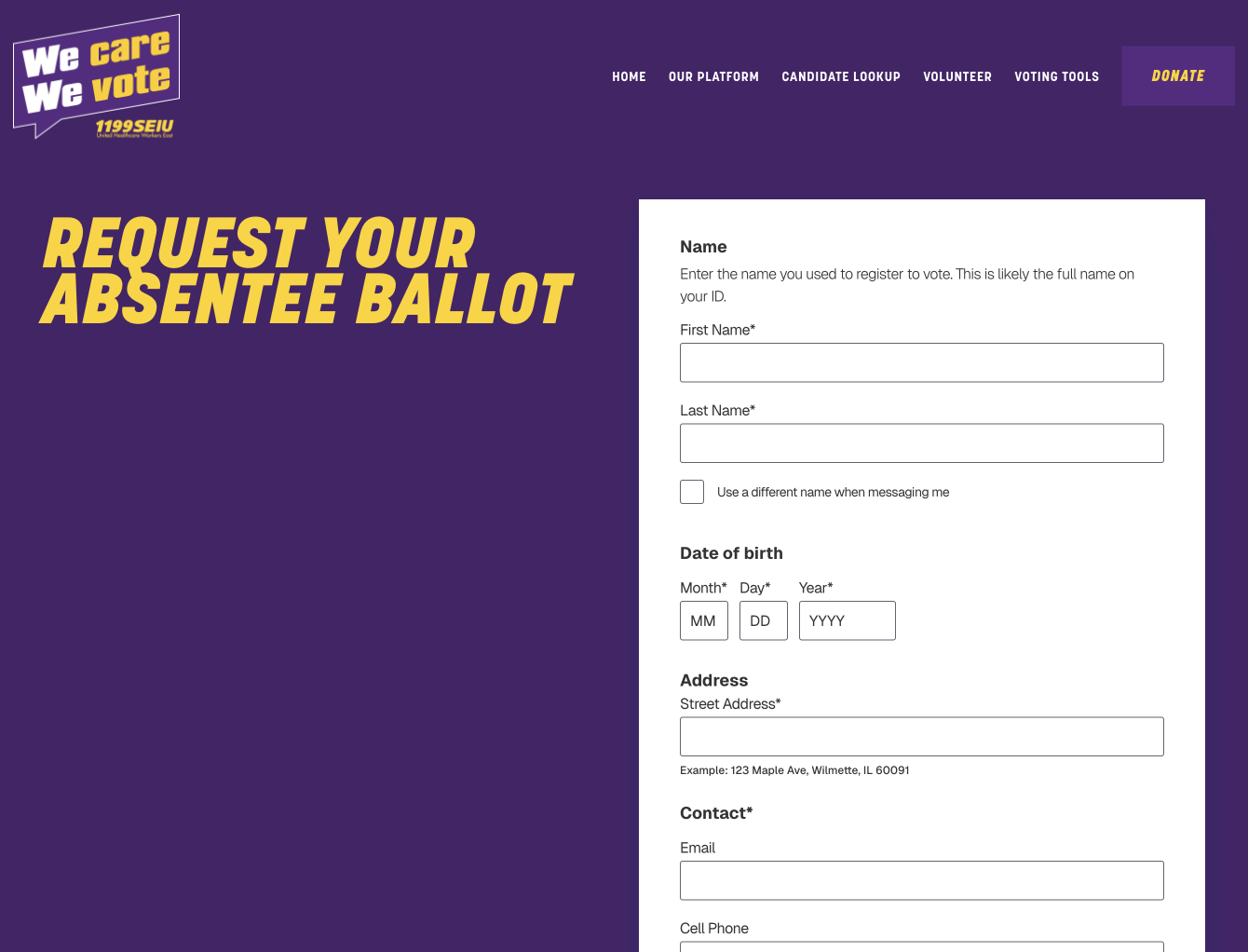
1199 SEIU
Seamless Request Absentee Ballot
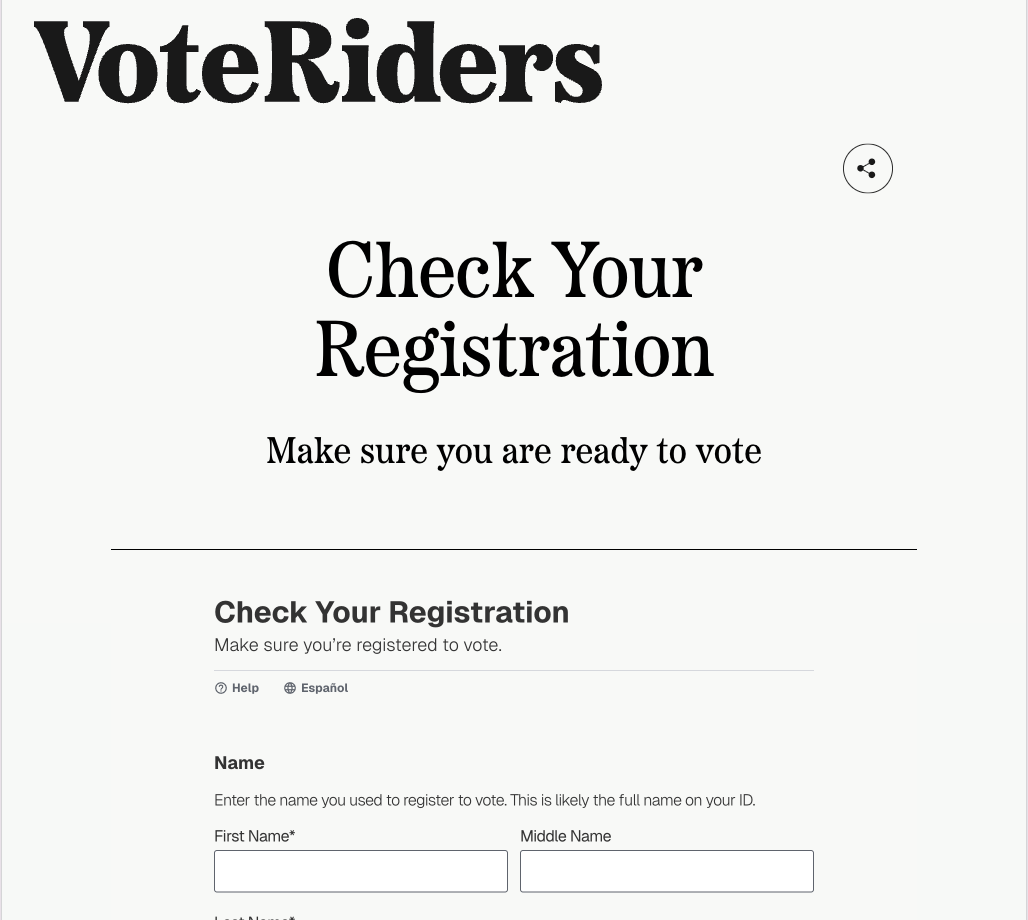
VoteRiders
Check Your Registration

When We All Vote
Seamless Register to Vote